Support service provided by Wanido
Activating your account from a trial is easy!
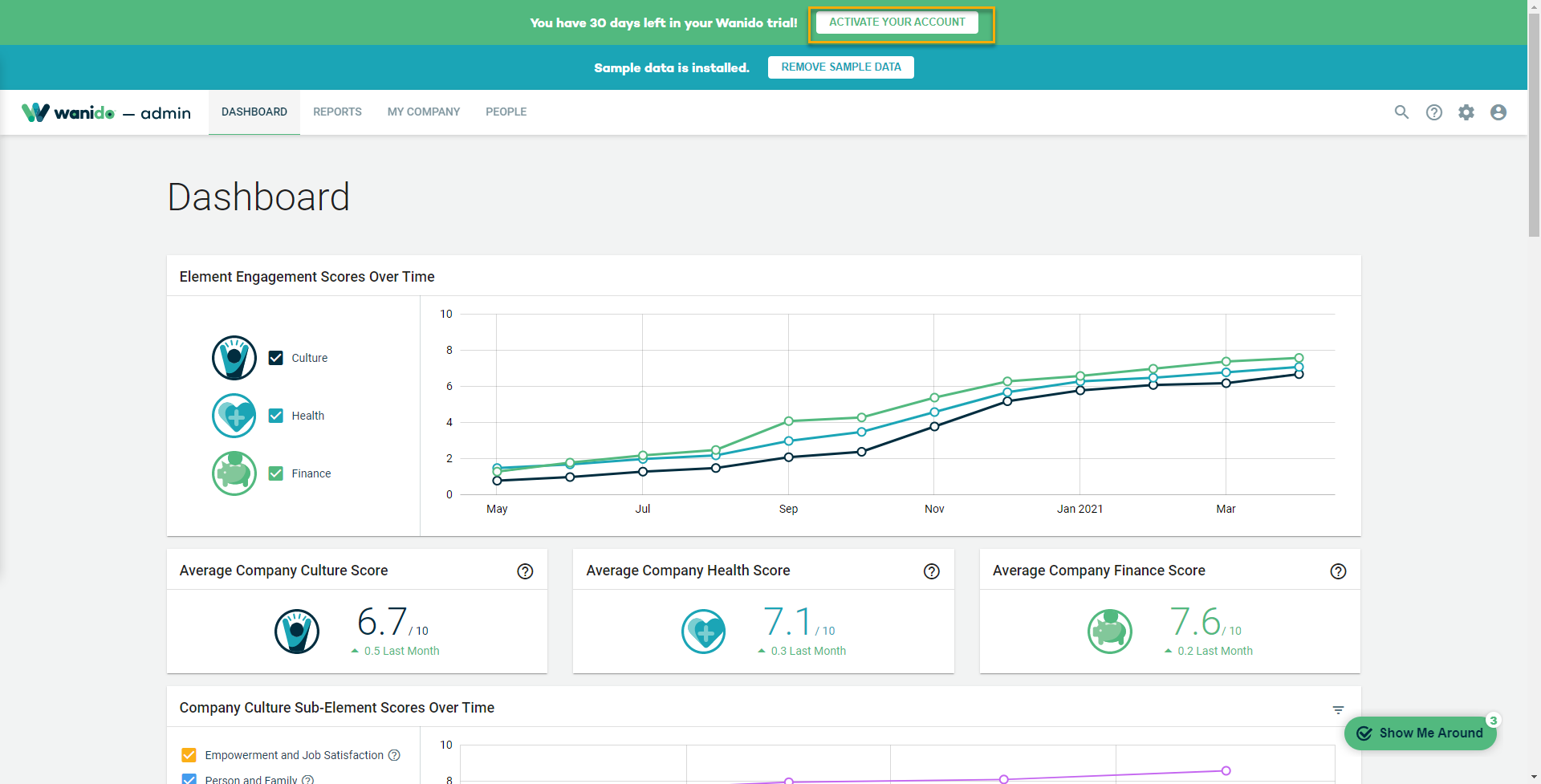
Select Activate Your Account in the top banner.
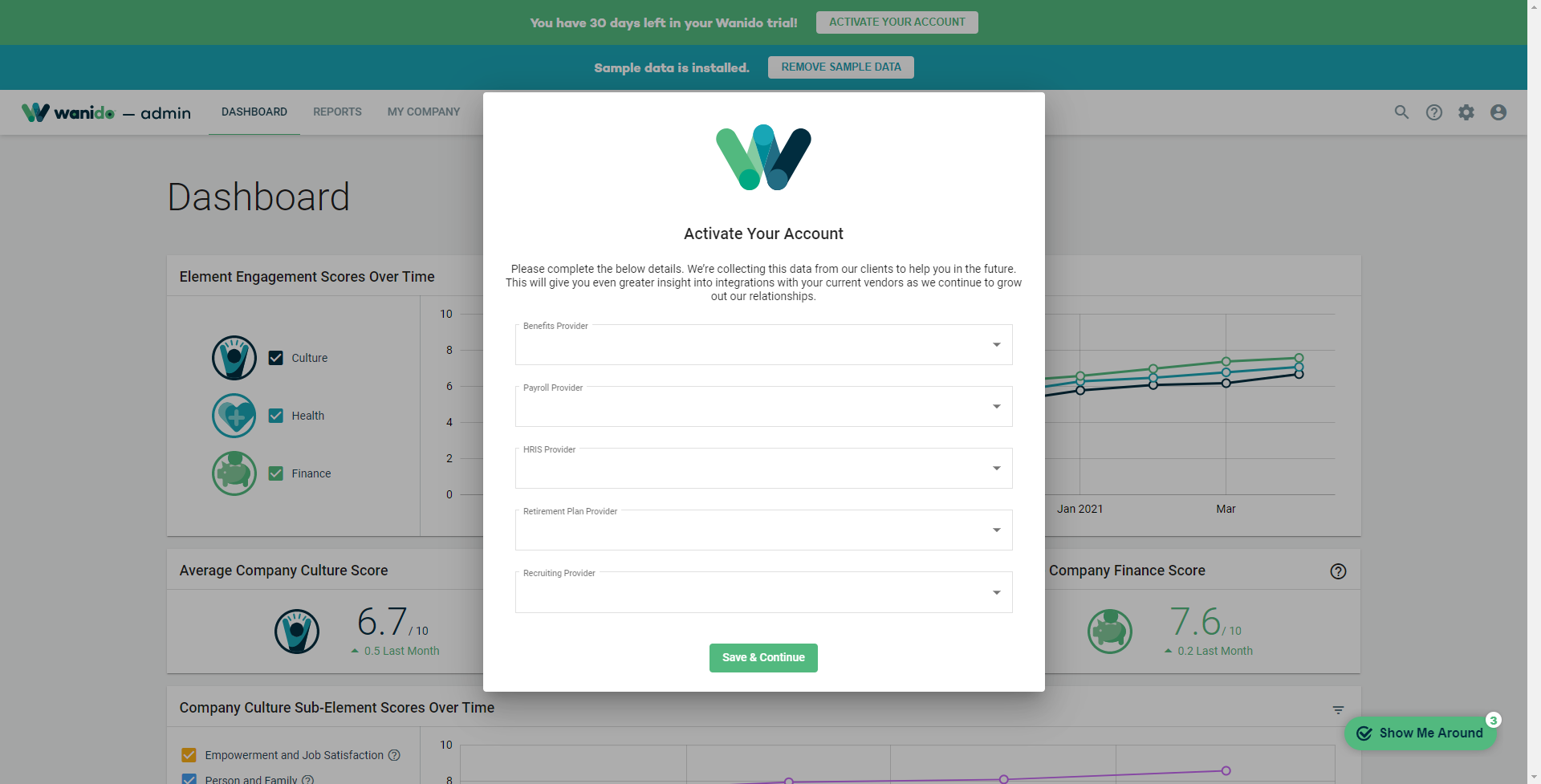
Complete the details on the pop up and select Save & Continue.
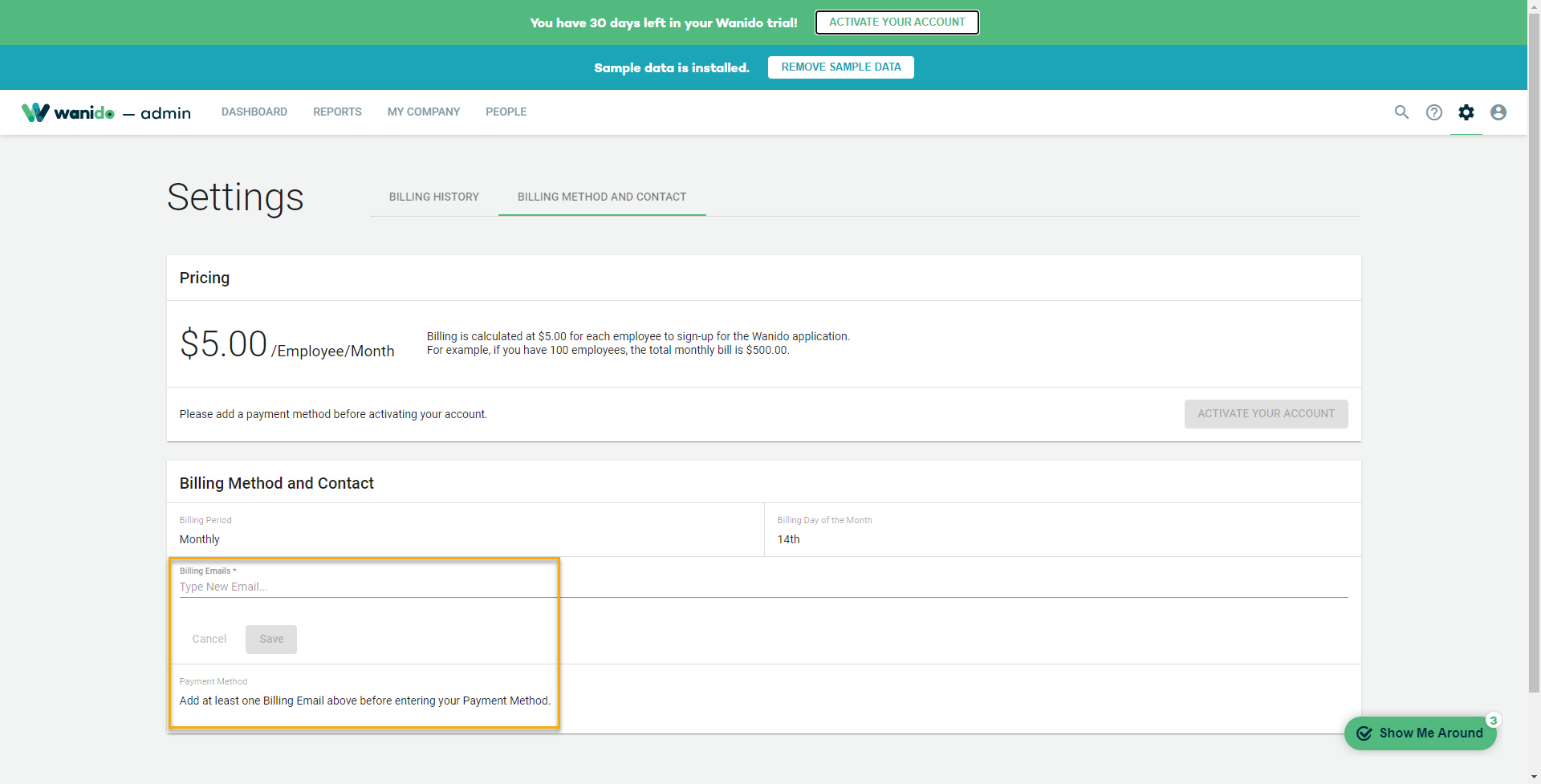
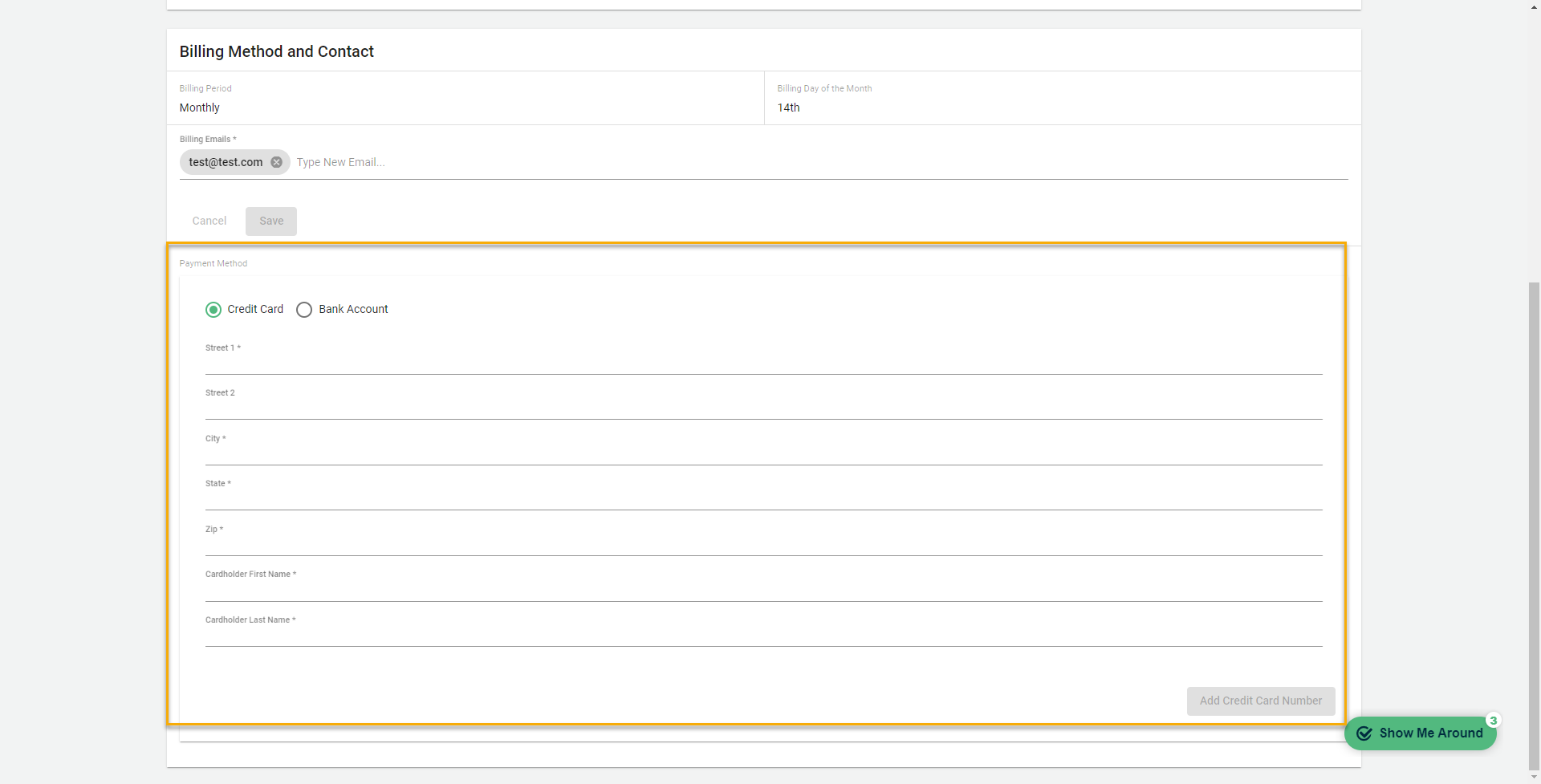
Add at least one email address of an individual who will receive notifications of payments and select Save.
Enter a payment method (either a credit card or bank account) and select Add Credit Card Number or Add Account Number.
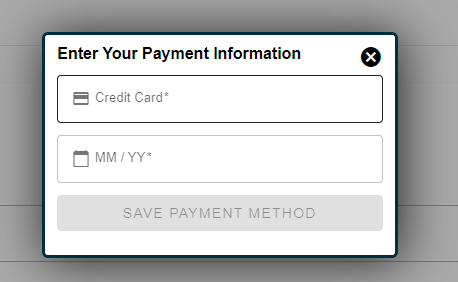
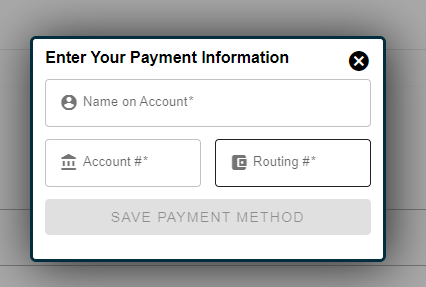
Enter the credit card details OR the bank account details before selecting Save Payment Method
Select Activate Your Account
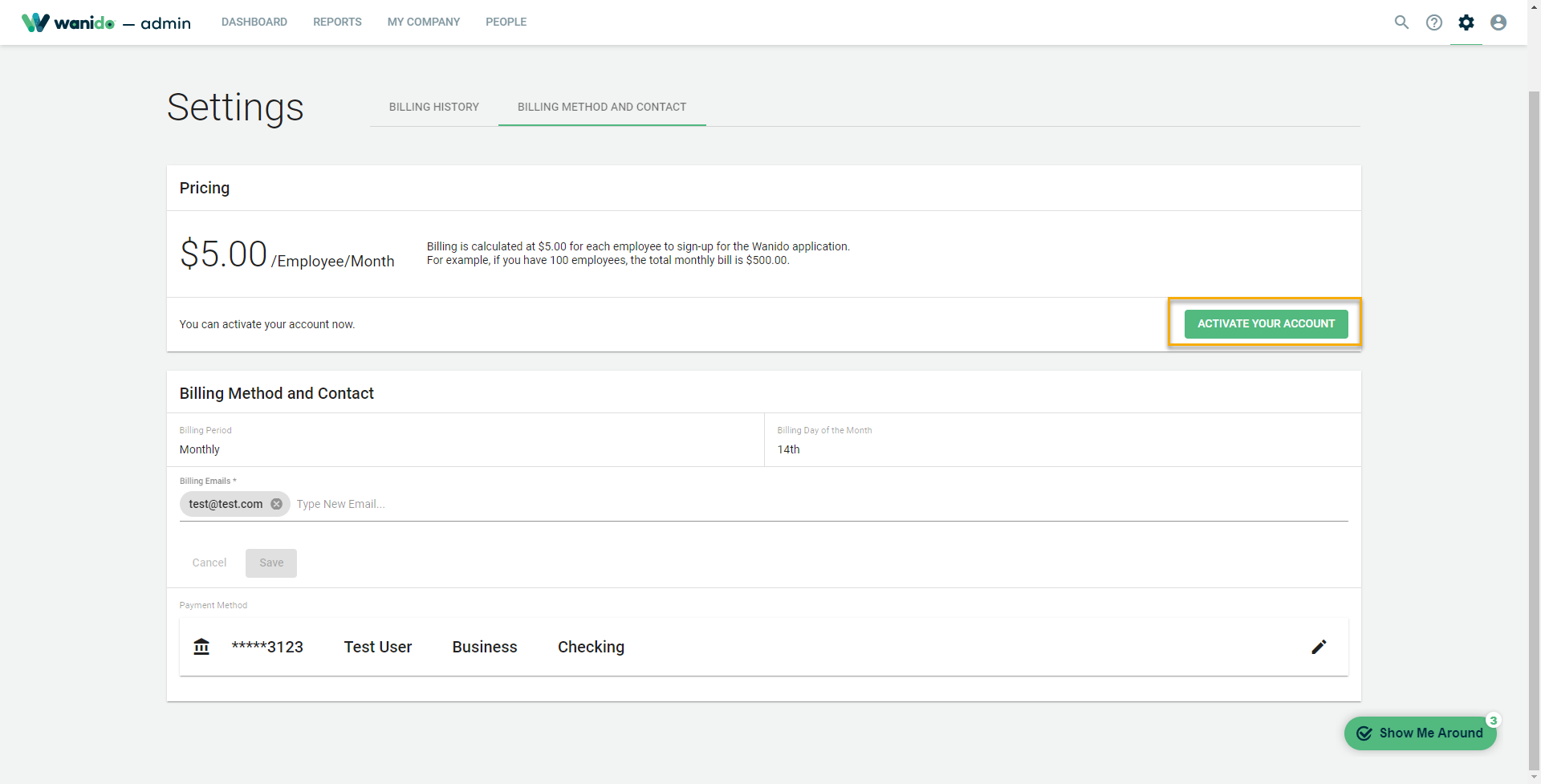
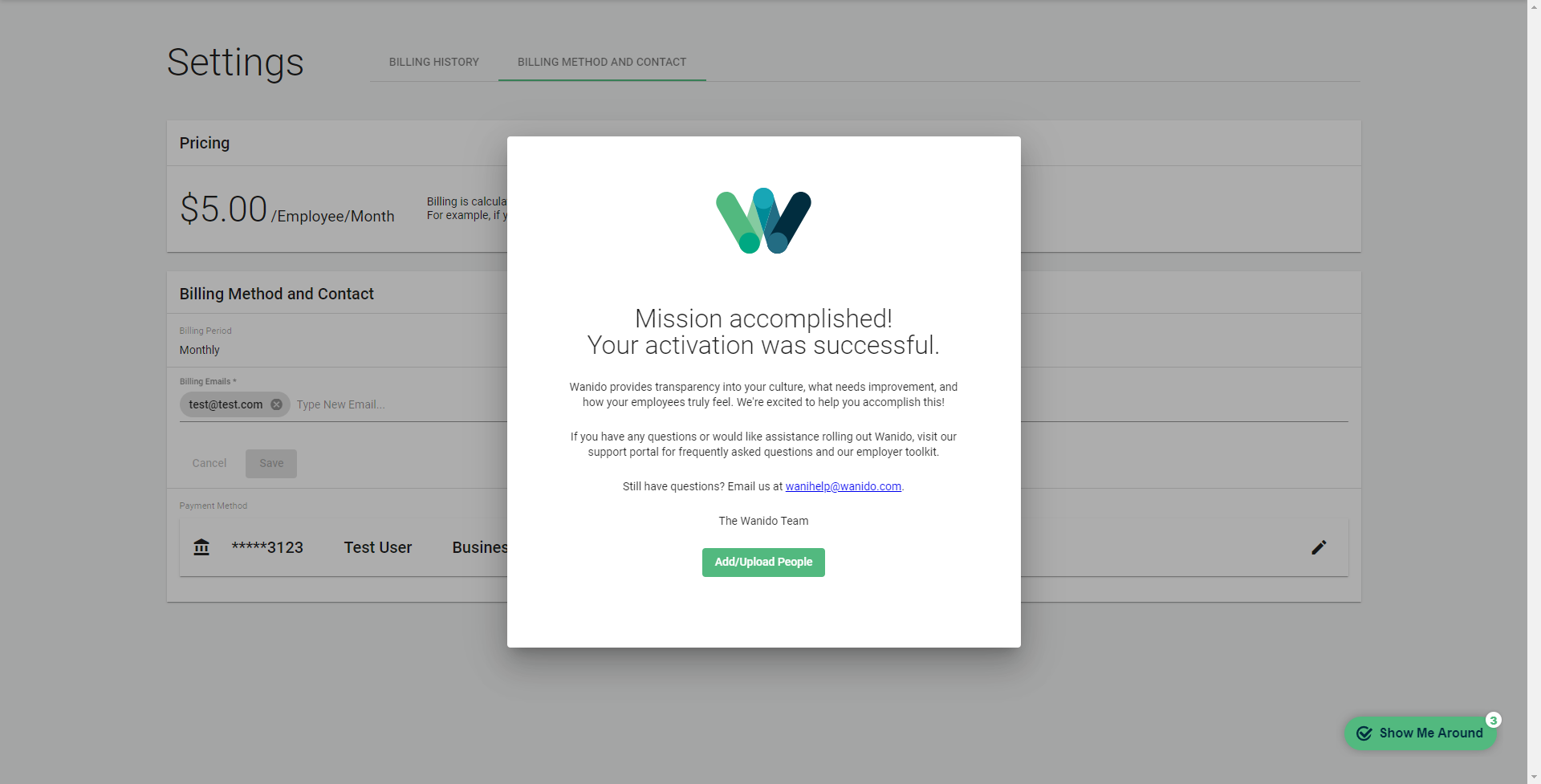
Mission accomplished!
*When you're ready to remove the sample data, don't forget to select the button at the top banner!