Support service provided by Wanido
This will change the
From the *Employee Portal, click on your Profile Photo in the upper right-hand corner of your screen.

Select Switch to Admin.*
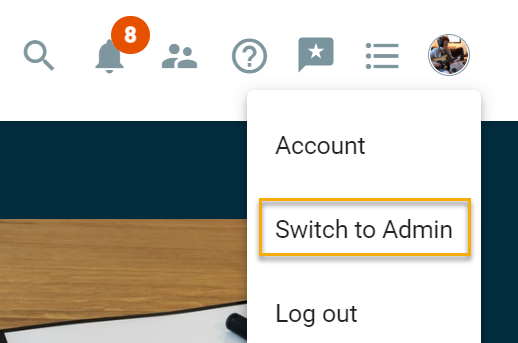
*If you see Employee Portal as an option, you will need to do that before you can select Switch to Admin.
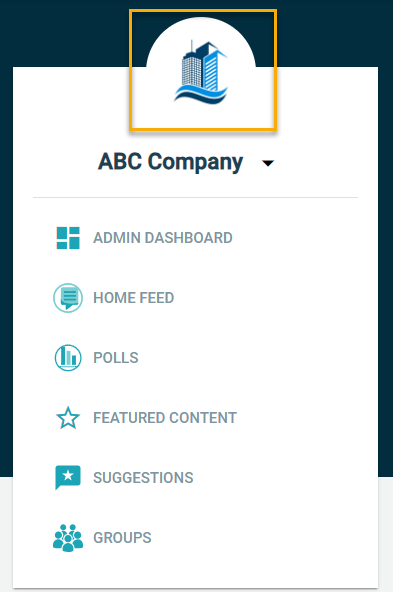
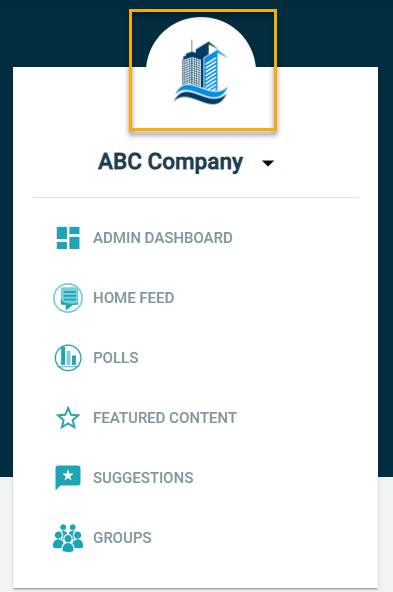
Hover over the image icon or existing logo until you see the pencil icon.
Drag an image file (png or jpeg) into the open area or click to select a file from your device.
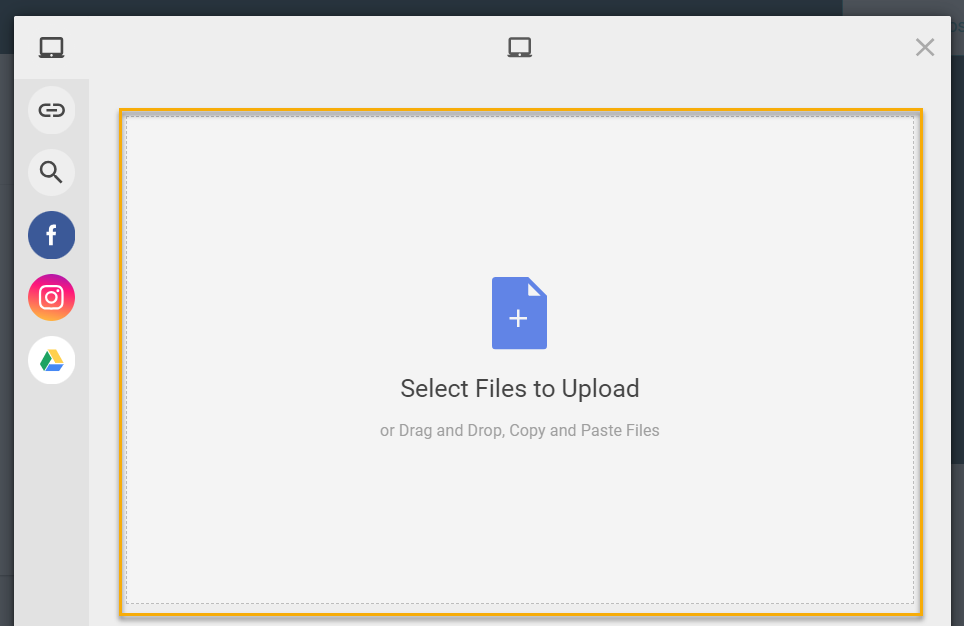
You may need to adjust the image you use to ensure it will fit into a circular format or reposition it before clicking Save.
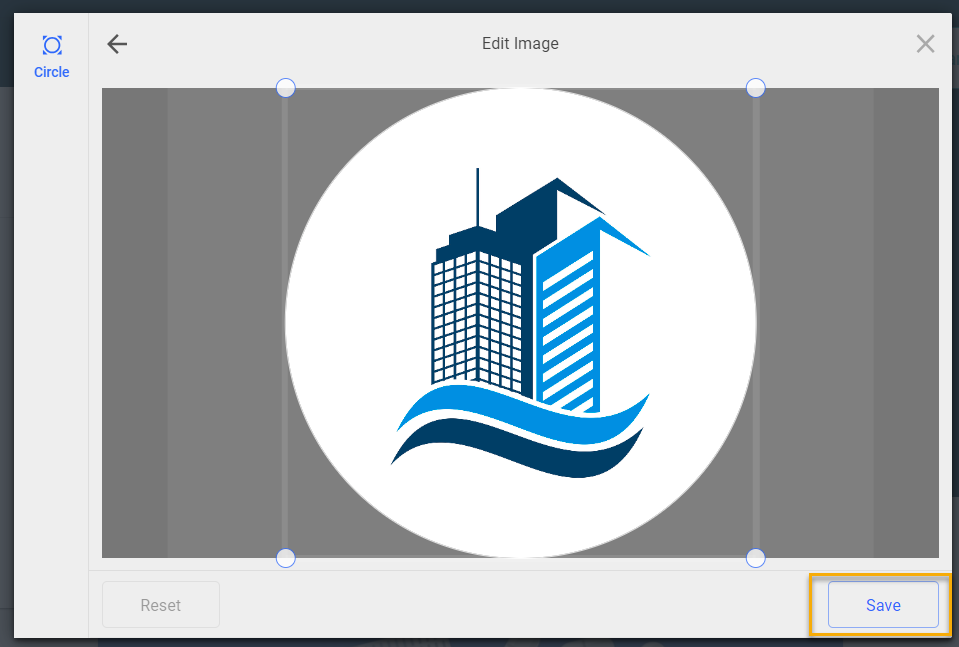
This will change the logo on all future and past posts done from the Administrative side. If you want to change the entity name, please reference this FAQ and update the Common Name field.