
Support service provided by Wanido
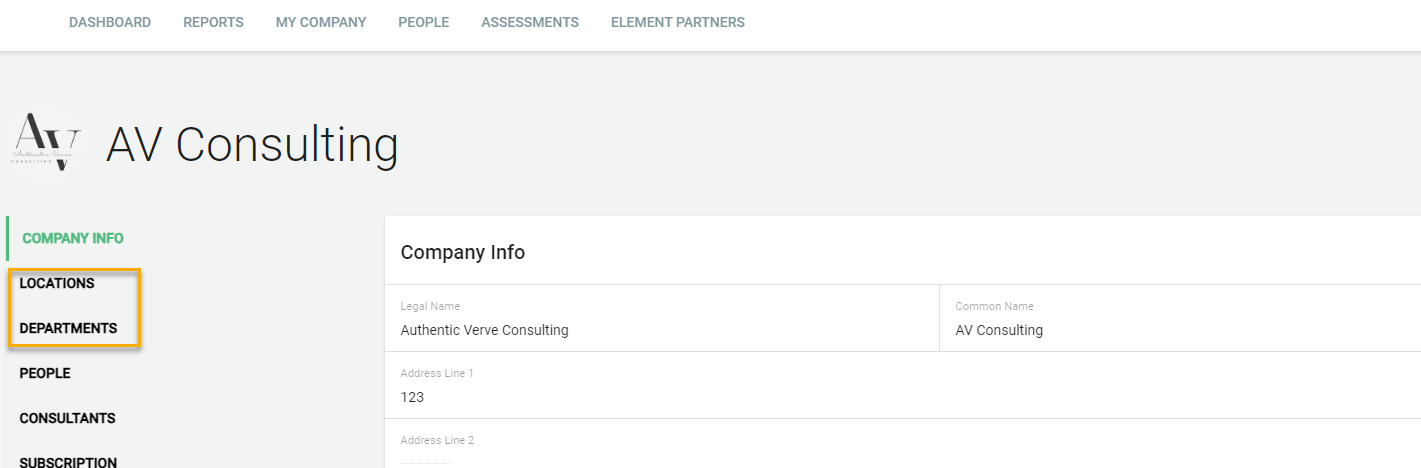
To add a new department and/or location, click on the My Company tab at the top of the page.

Click on Locations or Departments on the left menu or scroll down to the desired section.
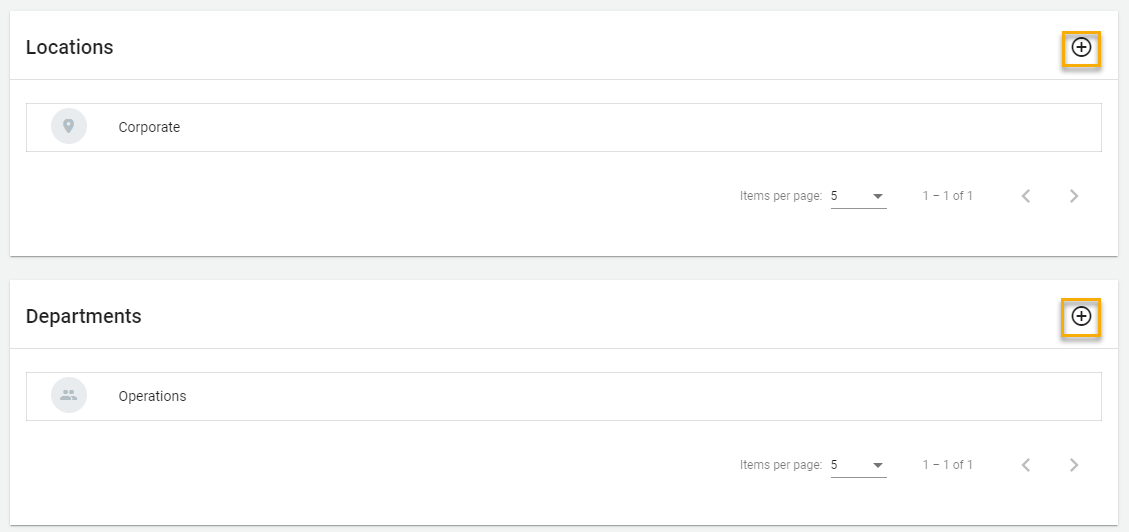
Click the "+" symbol to add a location or department.
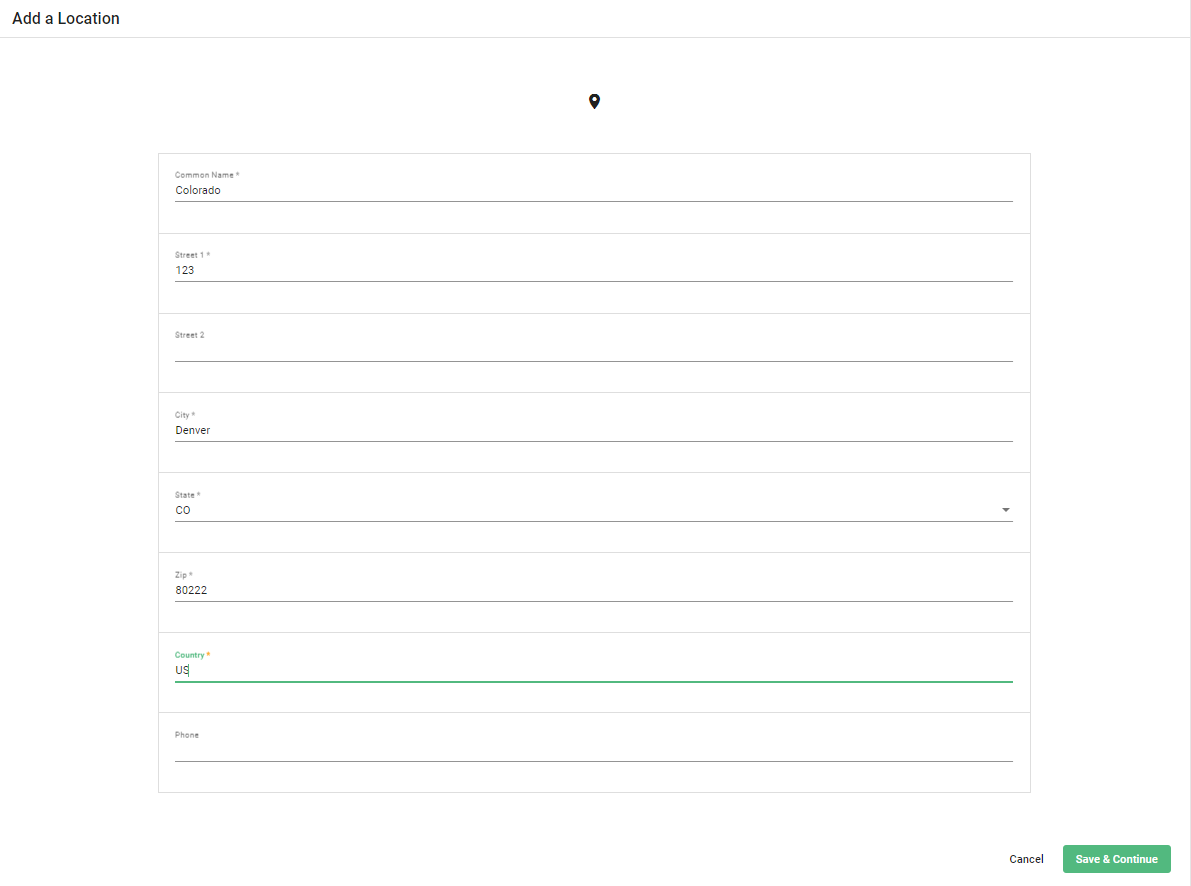
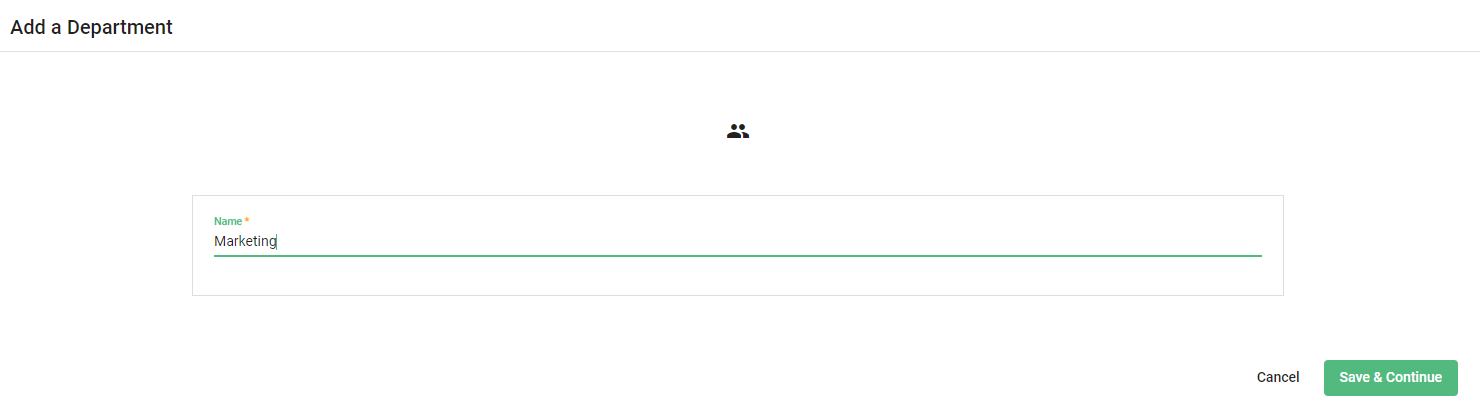
Enter the required fields before selecting Save and Continue.
You will now see this as an option to choose from when updating a person's record or adding a new person.