Support service provided by Wanido
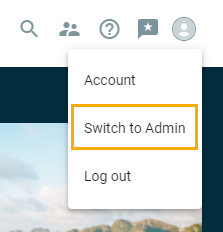
To view Suggestions submitted by employees, navigate to your Account picture in the upper right-hand corner.

Then select "Switch to Admin".
*If you are a consultant user, you will already be on the Admin side of the site.
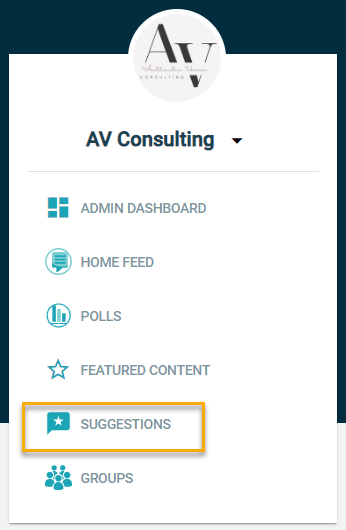
Click on "Suggestions"
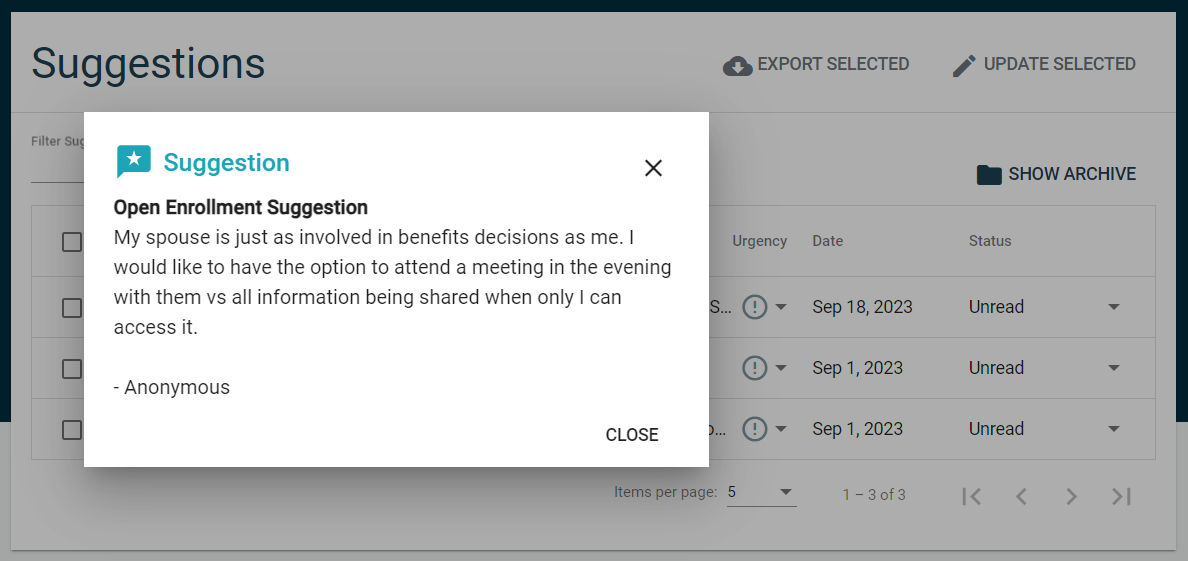
From here you can click on each one to view the suggestion. By default, they are anonymous, unless someone toggled off that option before submitting. If an employee is in a location/department that has 5 or more employees, you will be able to see which area it was submitted from.
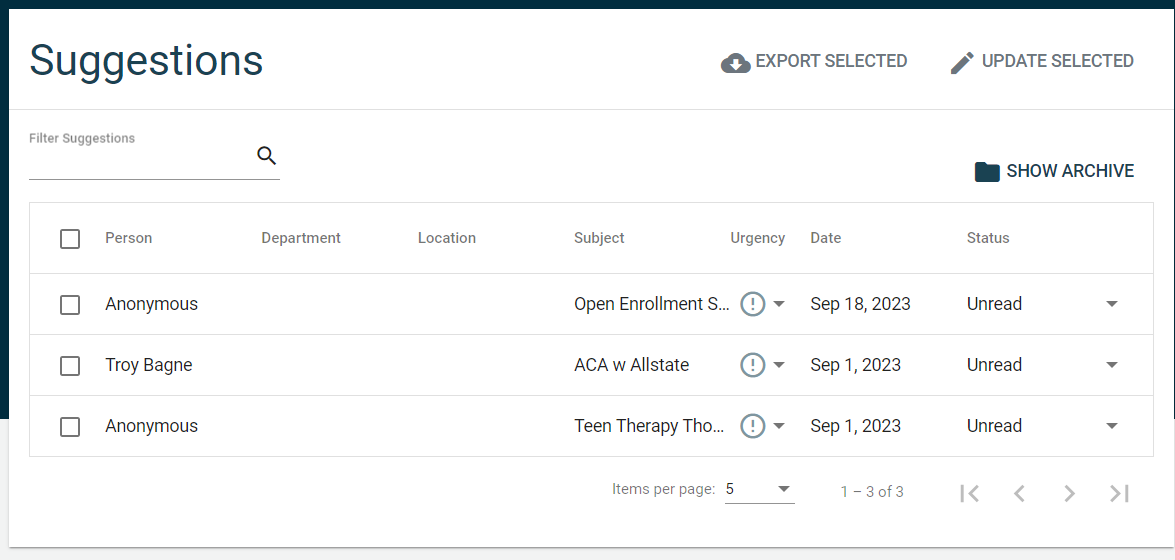
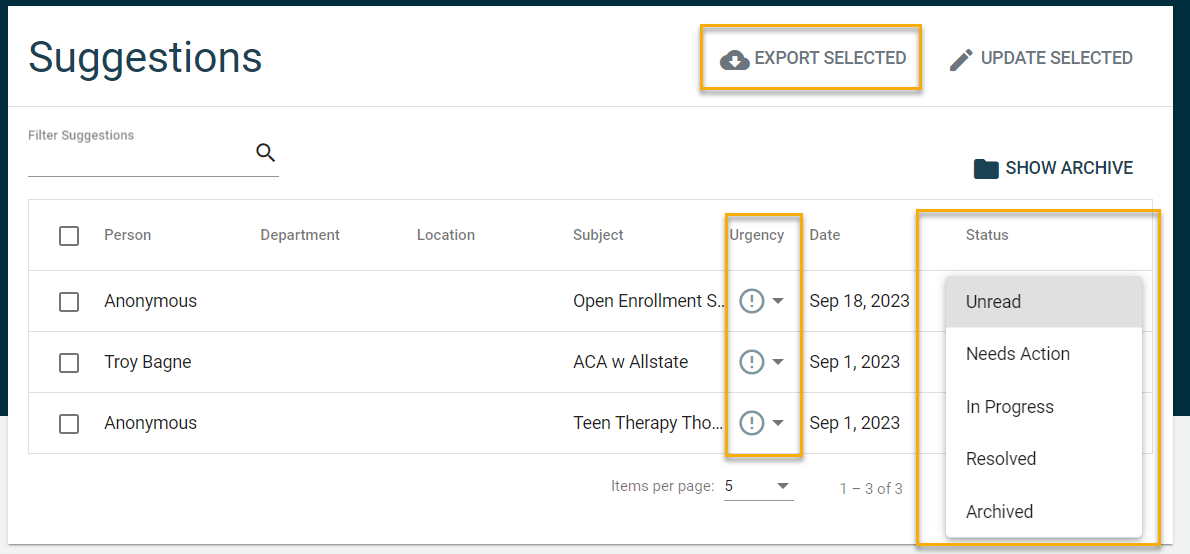
You have the option to change the status of each suggestion and the urgency and also export whichever suggestions you'd like to include.