Support service provided by Wanido
To add Wanido as an app within Microsoft Teams follow the screenshots below. Once added via desktop it will also appear on the mobile version of Teams.
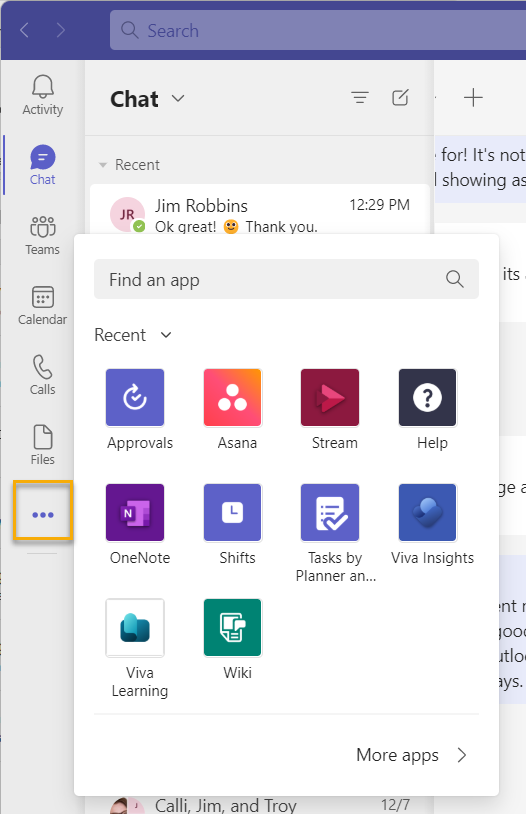
Click the three ellipses on the left menu bar within Microsoft Teams.
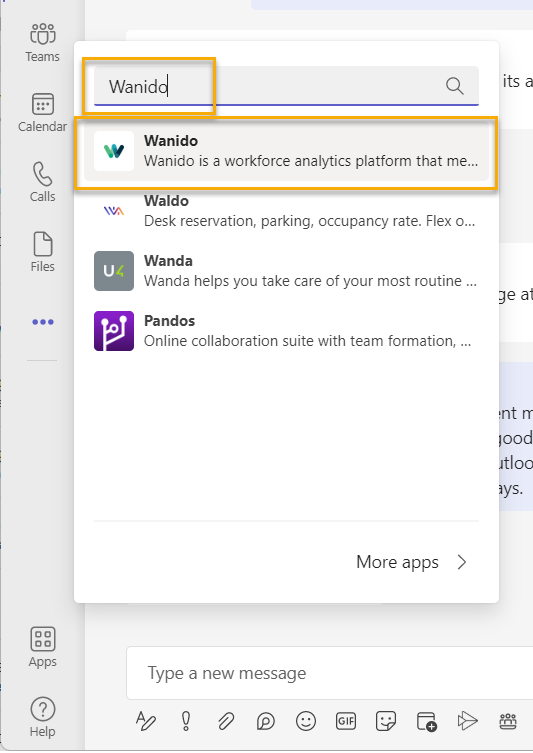
In the "Find an app" search bar, type "Wanido" and click the one with the "W" logo.
Click "Add"

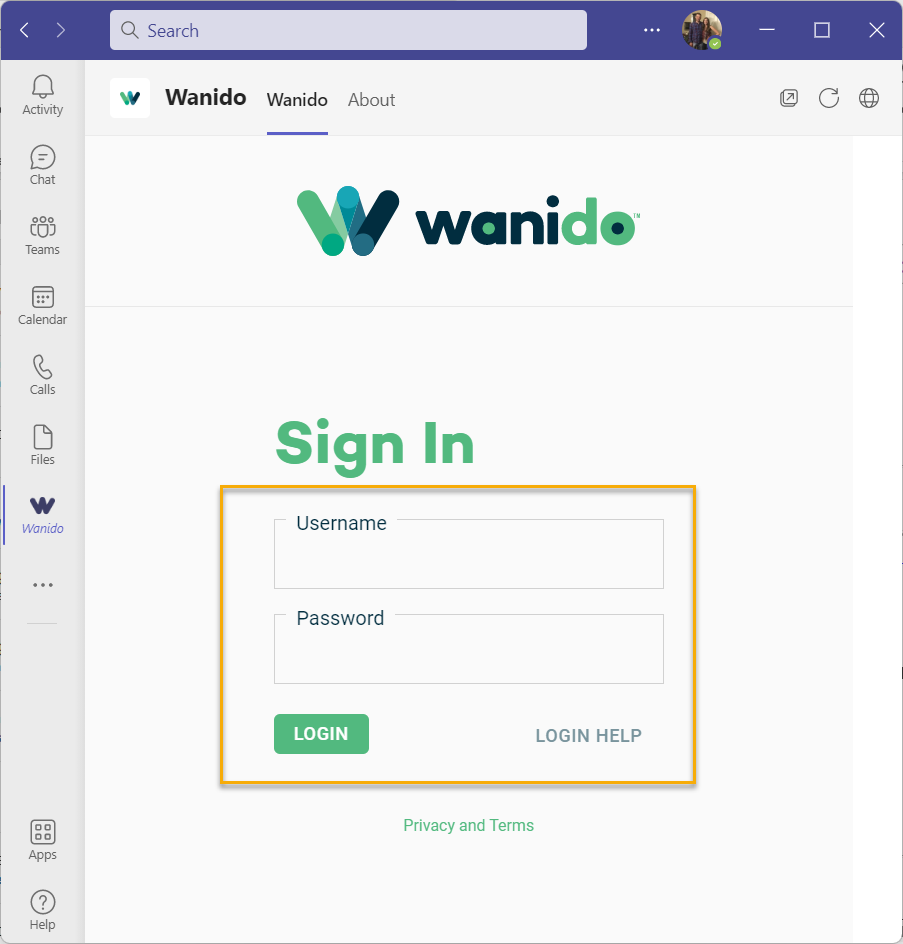
Enter your Wanido login credentials and click "Login"
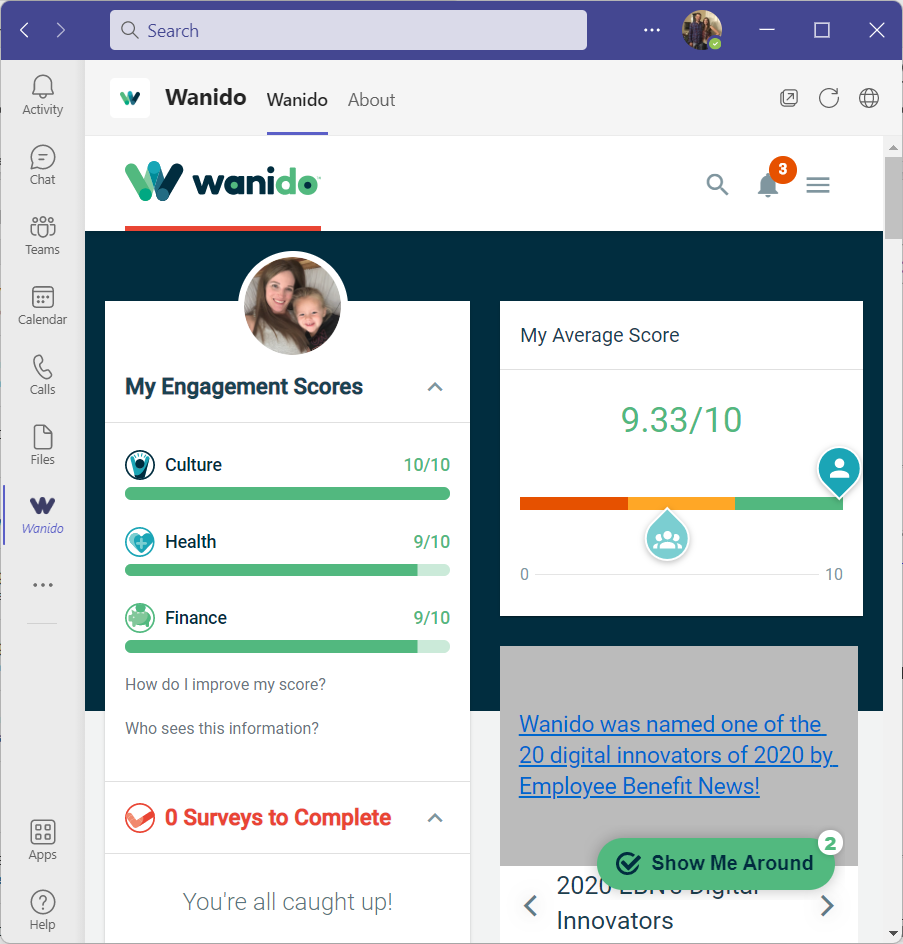
You're all set to use Wanido like you would in your browser!