Support service provided by Wanido
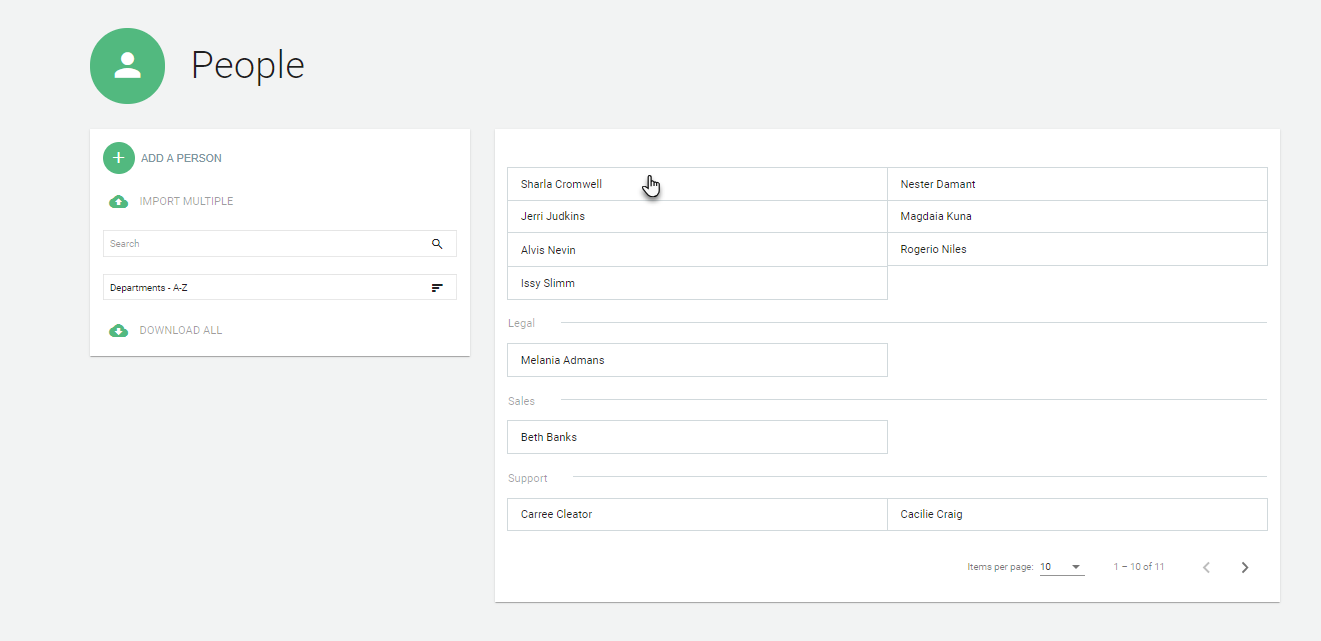
You can update your employees' status under the People tab.

Click on the employee you would like to edit.
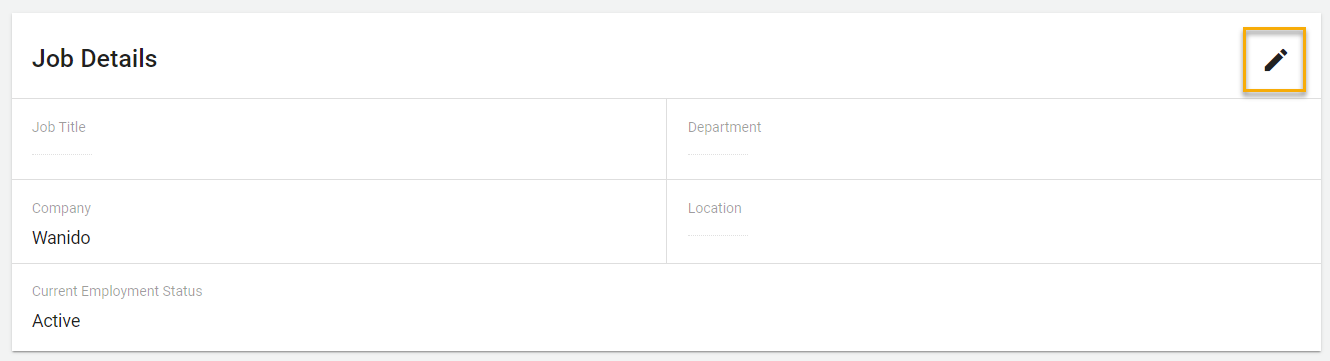
Click the pencil icon in the upper right-hand corner of the Job Details section.
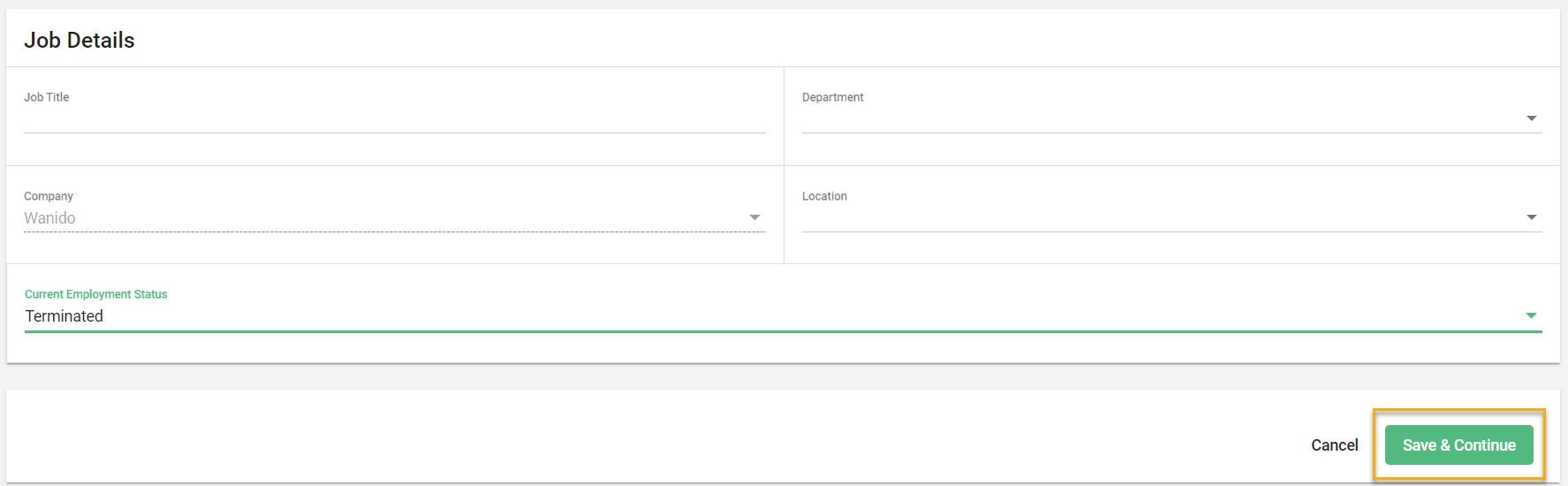
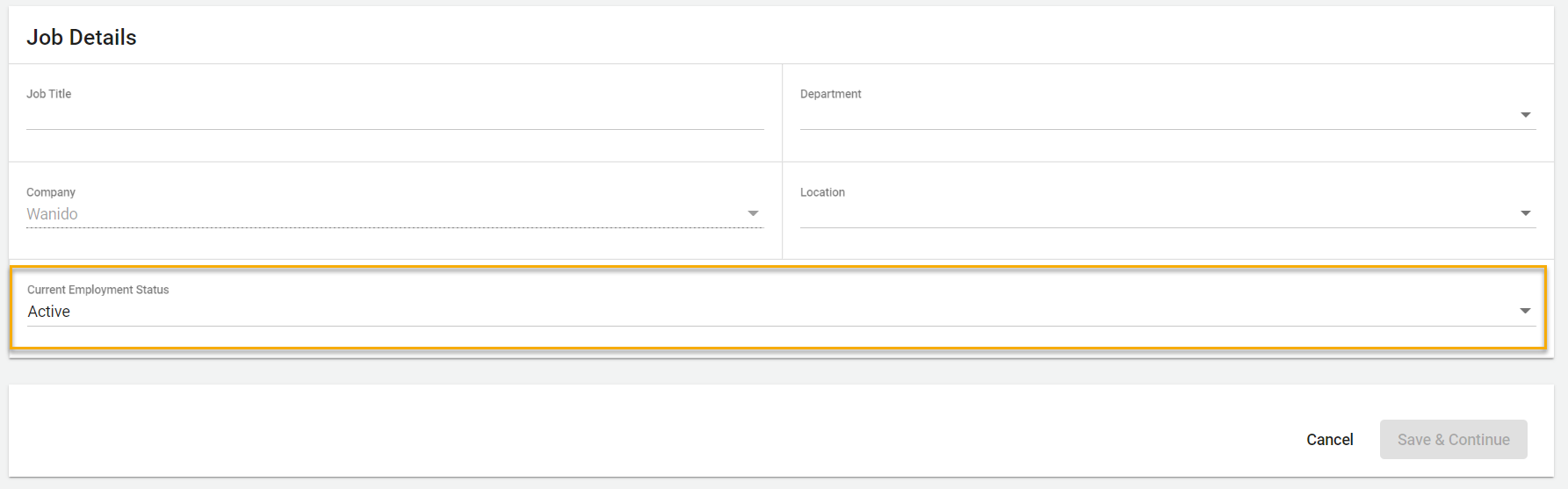
Scroll down to the Job Details section and click the drop down for the Current Employment Status section and select Terminated.
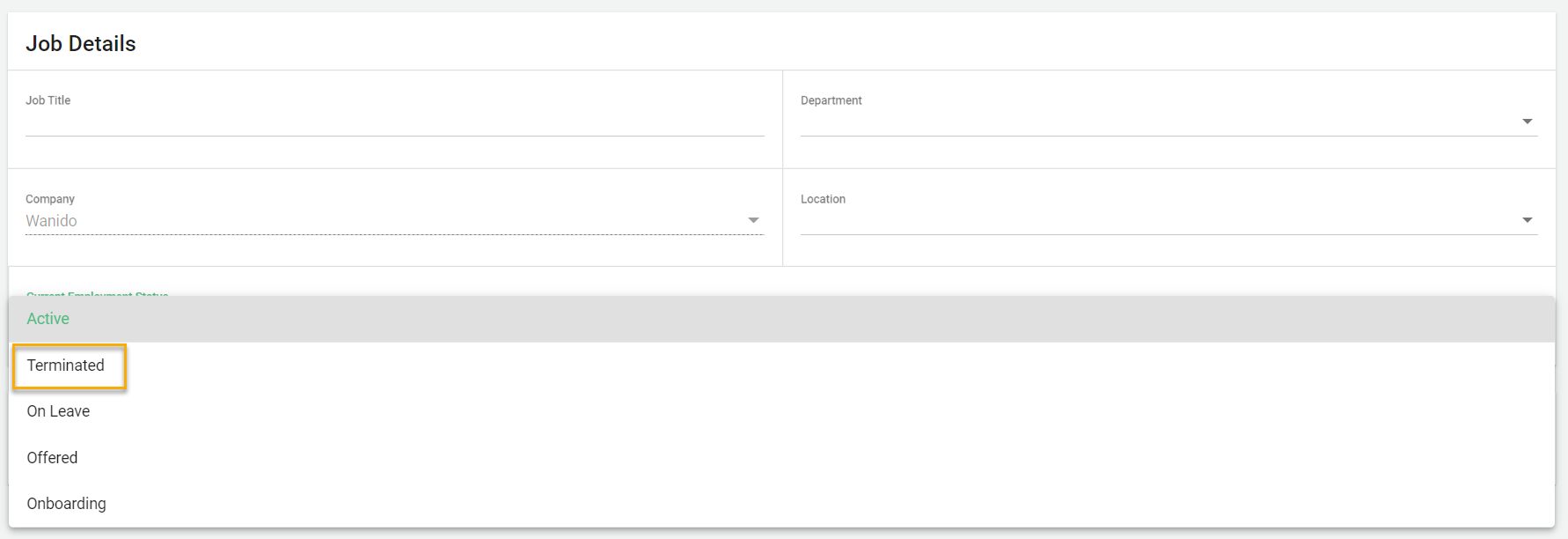
Then select Save & Continue