
Support service provided by Wanido
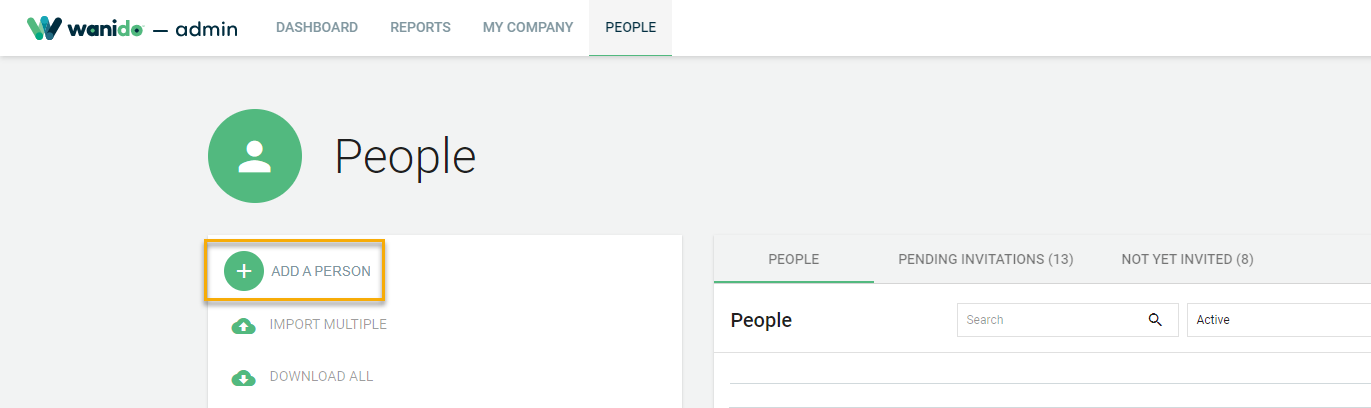
To add a new employee administrator, start by clicking on the People tab.

Then click on the + Add a Person.
Enter the required fields and any others and select Save & Continue at the bottom of the page and check one of the Admin boxes before clicking OK.
This will then automatically generate the invitation email for this user.
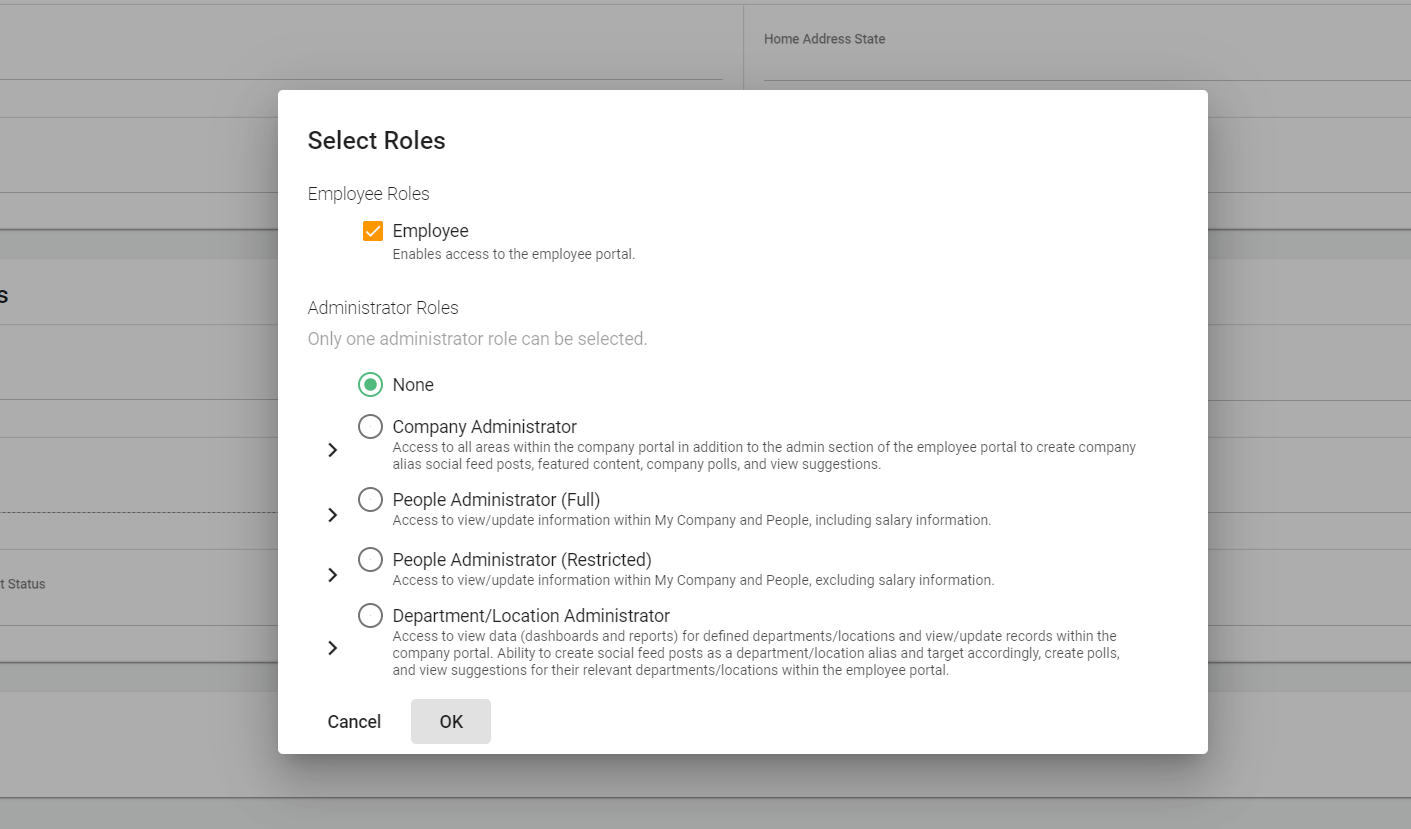
To update an existing employee record to an Admin, watch the video below.