Support service provided by Wanido
To send/resend a user invitation, click on the People tab at the top of the page.

Next, click on either the Pending Invitations or Not Yet Invited tab.

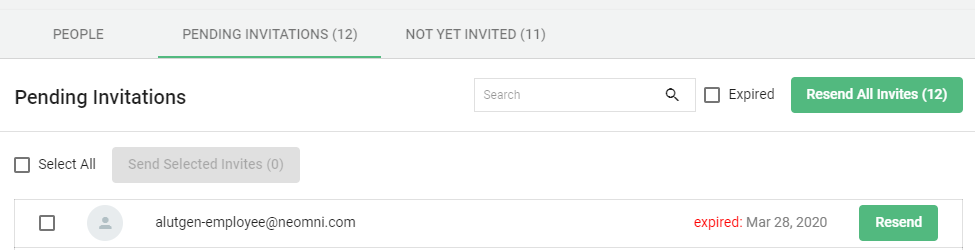
From the Pending Invitations tab, you will be able to select one or multiple individuals and resend their invites for those that have not yet registered.
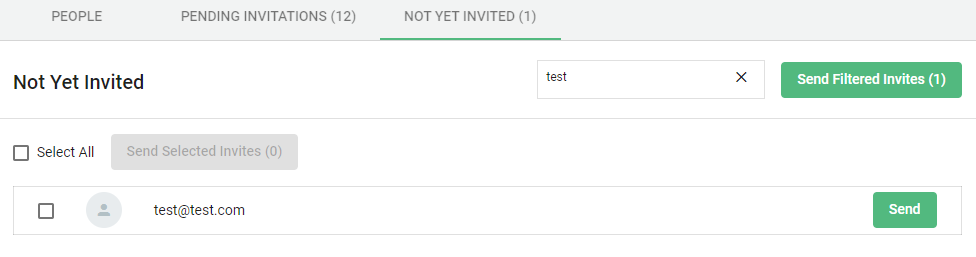
From the Not Yet Invited tab, you will be able to send invites to those that have not yet received one initially.
This can also be done in an individual employees record from the People section or by searching for their name via the global search icon in the upper right hand corner of the page.
Click on their record.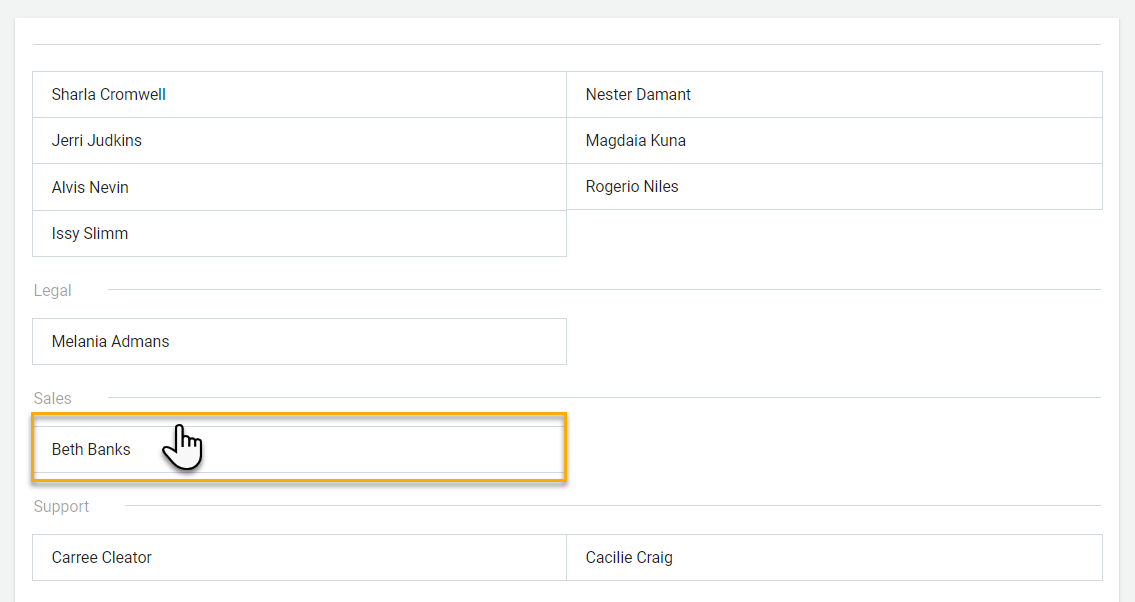
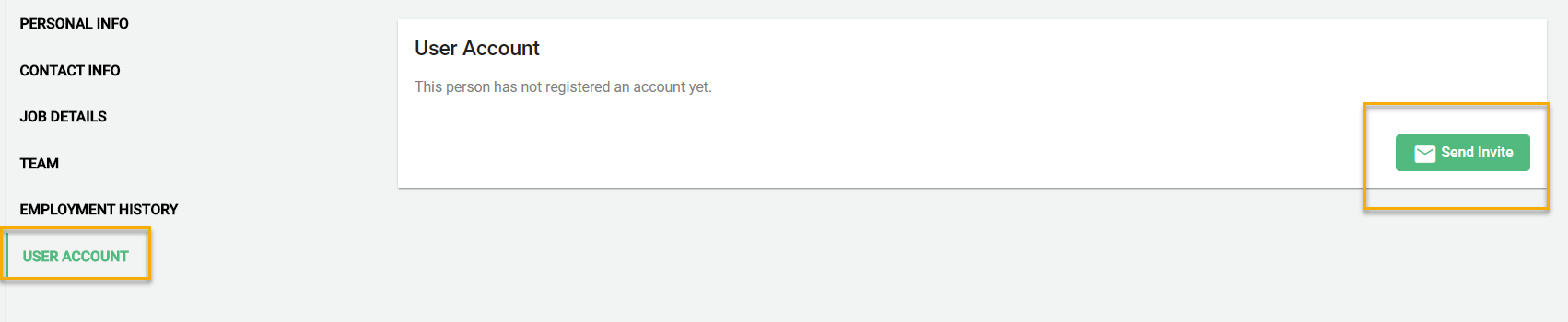
Go to the User Account section and select the green "Send Invite" or "Resend Invite" button to send.