Support service provided by Wanido
To add interests to your profile, you will start by clicking on your profile picture in the upper right-hand corner.

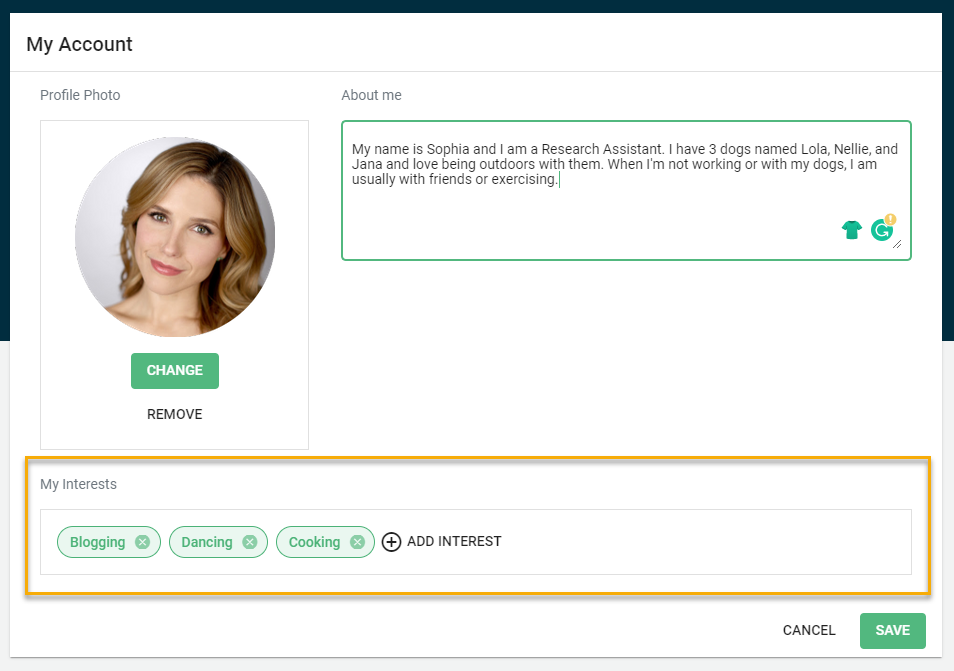
Below the Profile Photo, you will be able to add and view your interests.
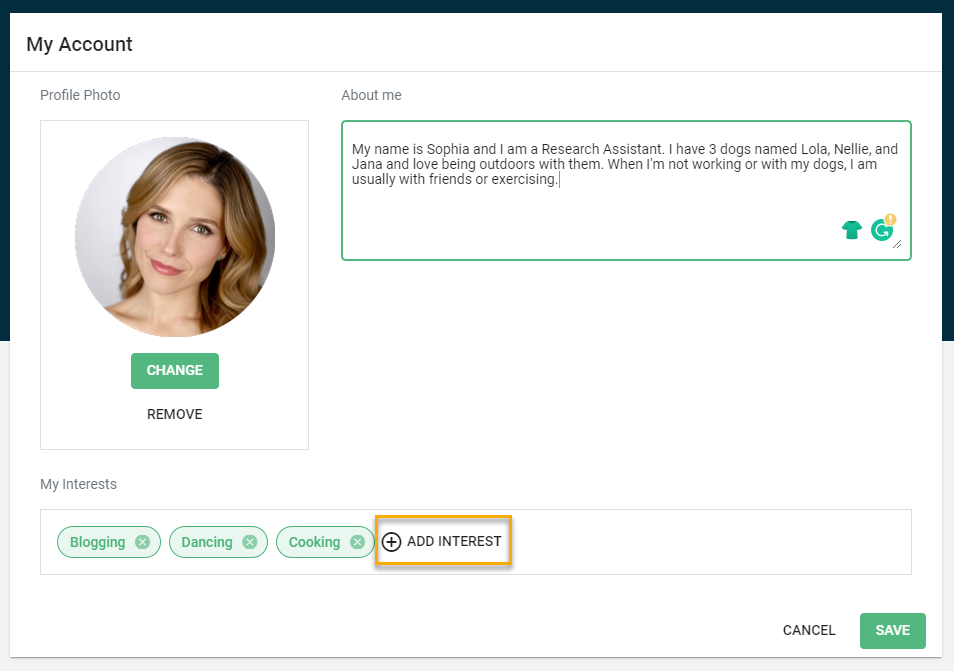
You can add interests by clicking on the +Add Interest button.
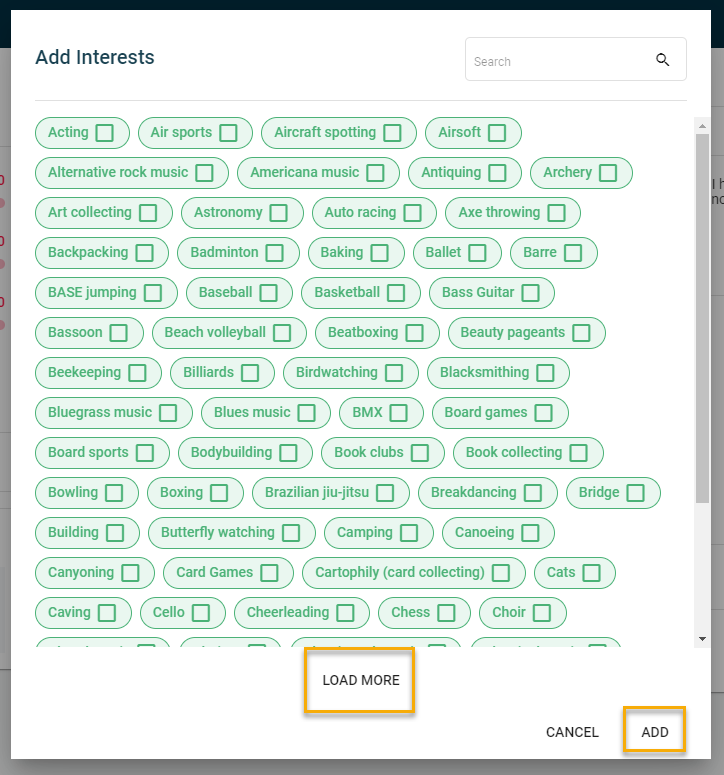
You will then have a bank of interests to choose from to add to your profile.
If you are looking for a specific interest, you can search for it in the upper right-hand corner.
Once you have selected your interests, you can add them by clicking the Add button.