Support service provided by Wanido
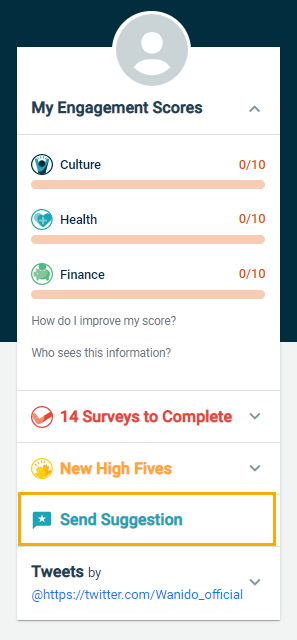
You can submit a suggestion to your Employer by clicking on the icon in the picture below, in the upper right-hand corner of your screen or by navigating to the bottom of the left pane and selecting "Send Suggestion".

A box will pop up for you to enter your suggestion.
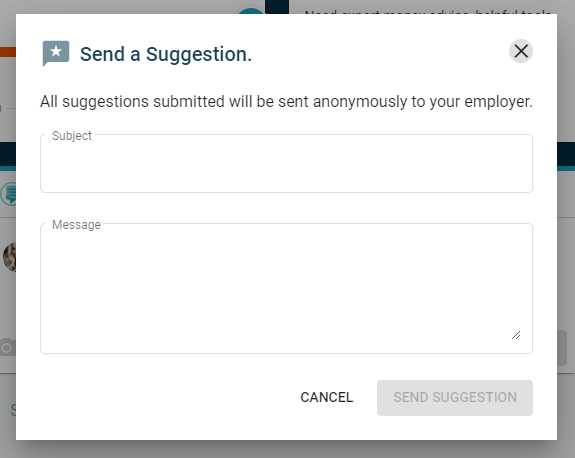
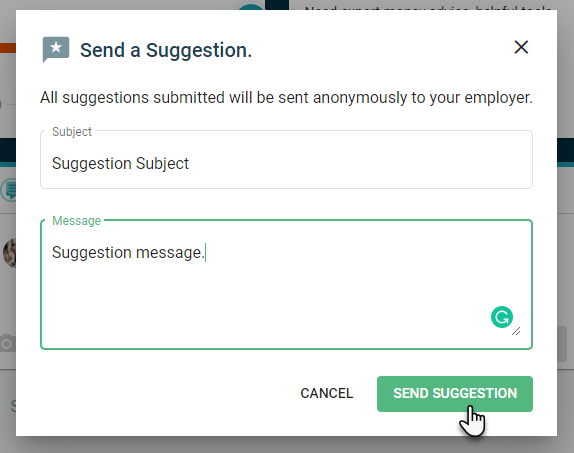
Enter in the Subject of your suggestion and the Message.
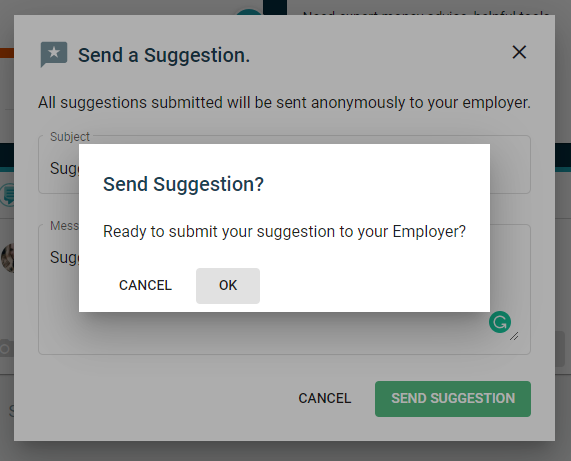
Once you select Send Suggestion, you will be prompted with the below message. Once you have selected OK, your suggestion has been sent.