Support service provided by Wanido
For a quick video tutorial on this, see below, or scroll down for step by step instructions.

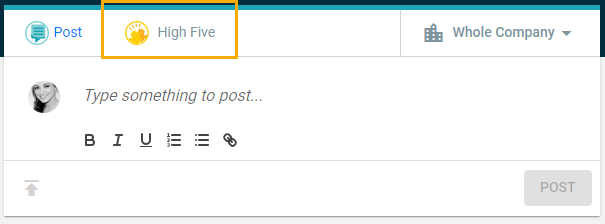
On the main dashboard, you can send a High Five by clicking on the High Five icon in your "Feed" section.
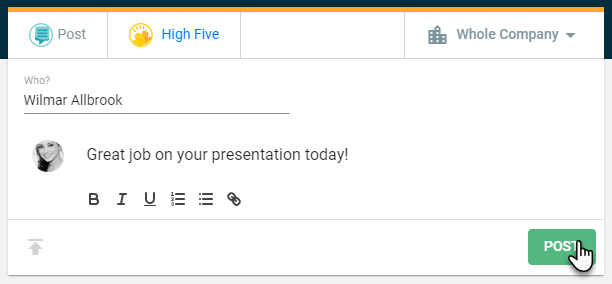
Specify which employee you would like to send the High Five to under the Select High Five Target and then enter in your message. Once you are ready, you can then click the green Post button.