Support service provided by Wanido
Click on your Profile Photo in the upper right-hand corner of your screen.

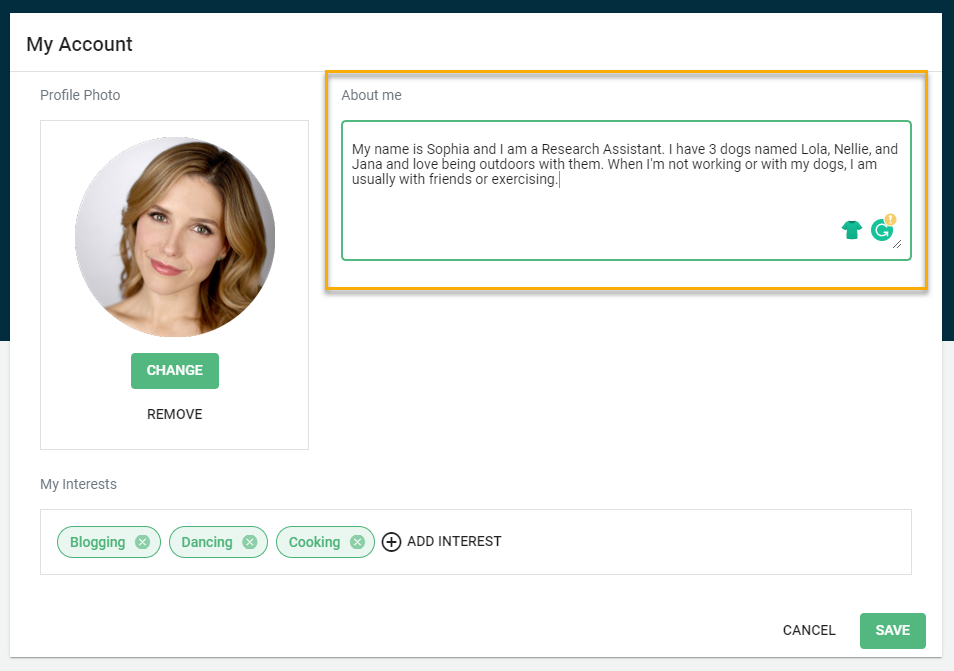
Click on the About Me text box to add or edit your text. Once you are complete, you can save by clicking the green Save button.

Modified on: Fri, 14 Jul, 2023 at 12:49 PM
Support service provided by Wanido
Click on your Profile Photo in the upper right-hand corner of your screen.
Click on the About Me text box to add or edit your text. Once you are complete, you can save by clicking the green Save button.
Did you find it helpful? Yes No
Send feedback