
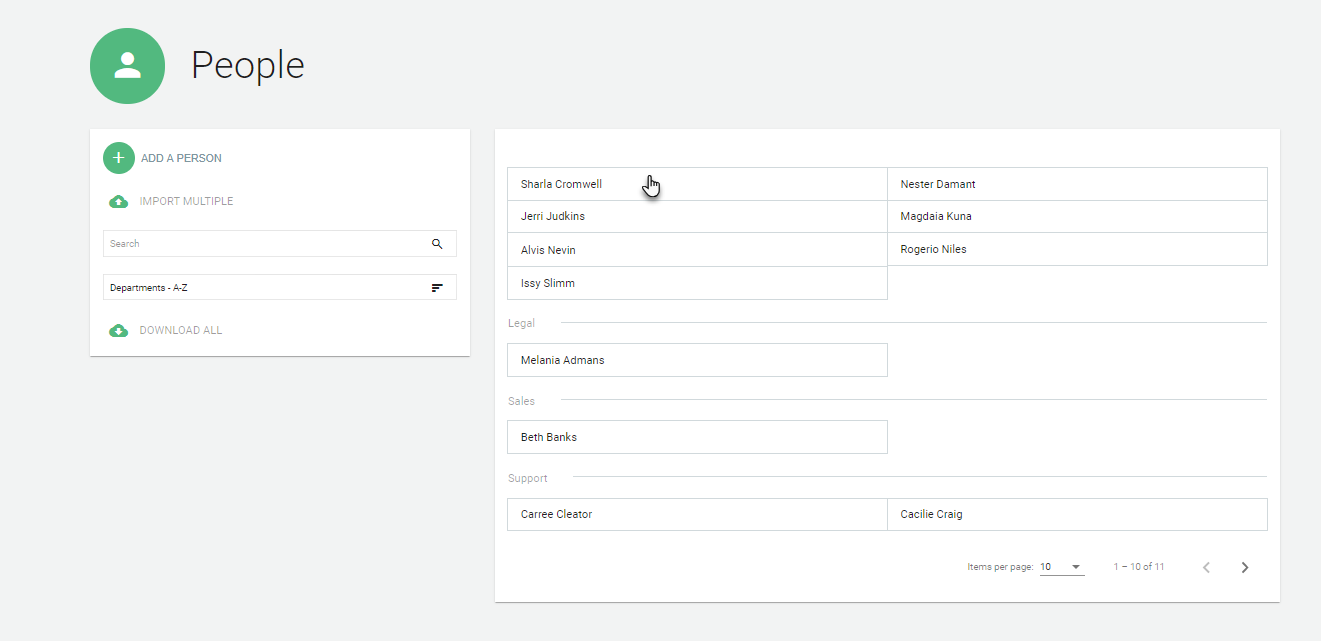
You can update your employees' information under the People tab.

Click on the employee you would like to edit.
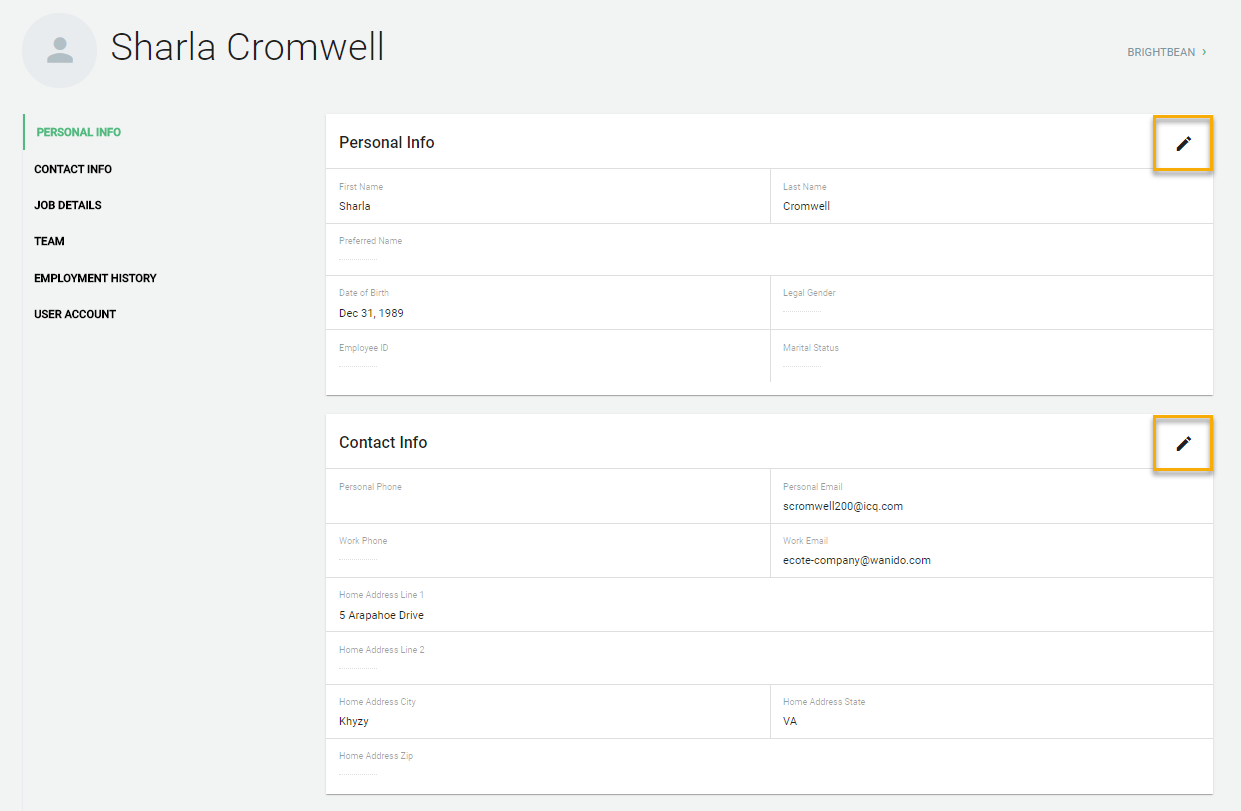
In each section, there is a pencil icon in the upper right-hand corner. Select the pencil you would like to edit.
If you need to change a mass amount of employees, there is also an import option.
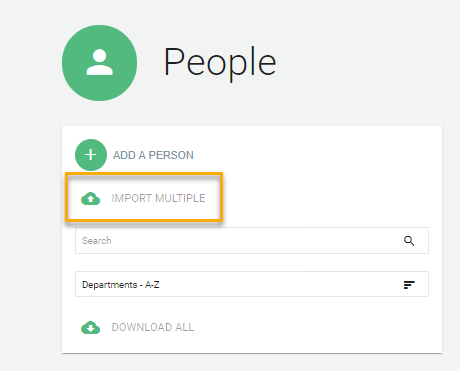
Simply go to the People tab.

Click on Import Multiple.
You can download one of our two templates.
**The only required field to identify which employee record you want to update for existing employees is work email.**
Once you have the template ready, you can drag and drop it to start the upload process. The file format must be saved as a .csv file vs. .xls or .xlsx.
*Please note this may take a little bit of time depending on the size of the file.